Adding a Read More Tag
The read more tag allows you to cut off your content at any point of a post and add a clickable Read More tag that will display on archive pages in your WordPress site.
*Note the read more tag is for archive pages only. It will not function in individual post pages.
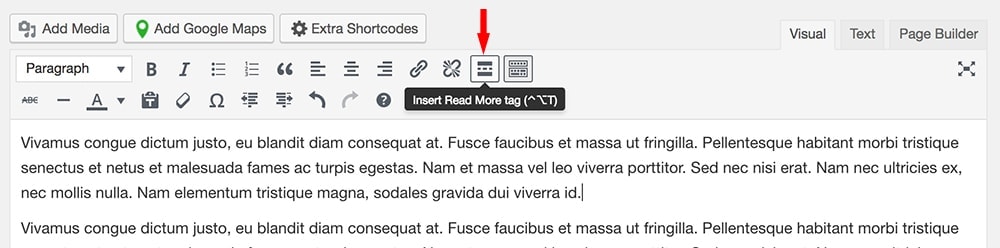
- From your post edit page, click where you want to cut off your entry content, then click “Insert Read More tag” from the visual editor toolbar.
- Now you need to set your blog summary to display as a full post. This can be done from your blog edit page under Blog Options:
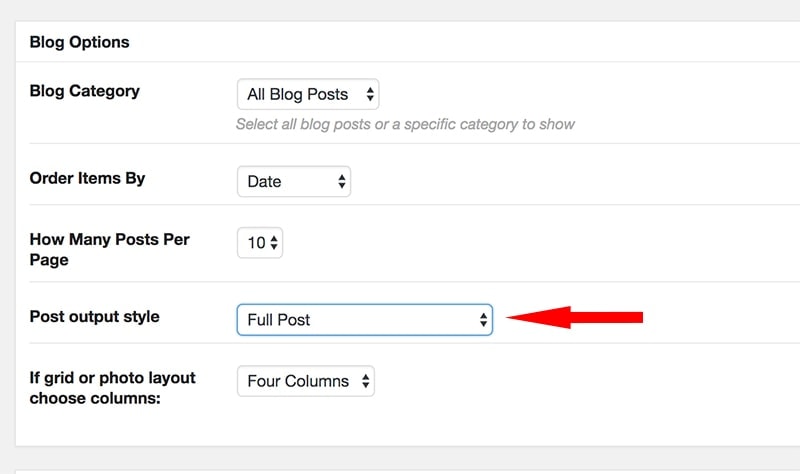
*Note this option will look different depending on the theme.
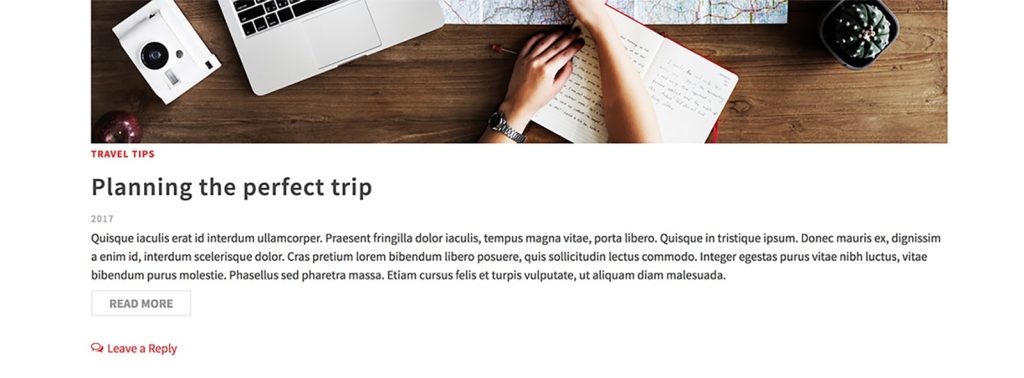
Archive page example:
Create Your Website With KadenceWP Today!